
Simplify your Radiology reporting with PlusRadiology’s Word Add-in
Today’s radiology reporting software or editor fails to provide template management, customization, and collaboration collectively into one platform.
PlusRadiology stands out in this term. It offers reporting facilities directly into Microsoft Word. Radiologists and imaging centres can generate accurate reports in less time while managing their clinical workflow.
Besides, it has a large variety of modality-specific templates to enhance structured documentation.
So, reduce burnout and documentation fatigue through PlusRadiology’s integrated reporting Word extension.


The Problem: Radiologists Struggle with Manual, Time Consuming Reporting
Despite lots of advancement, reporting has not yet evolved much. Still, radiologists have to suffer from documentation delay and inconsistent formatting. Other reporting bottlenecks involve:
- There might be chances of incomplete, incorrect, or missing details leading to misinterpretation or confusion.
- Writing style differs from radiologist to radiologist, so maintaining consistency is difficult.
- Due to a lack of integration with reporting tools, it can lead to fragmented reporting.
- Radiologists have to type each section manually, which is a labor-intensive task.
The Solution: Intelligent Word Add-in for Radiology Reporting
PlusRadiology offers an advanced Word add-in for report management. Let's see how these add-ins can transform reporting workflows.
It offers a large range of radiology templates in Microsoft Word, resulting in faster turnaround time.
Radiologists use predefined templates rather than creating a report manually. This allows structured and standardized reporting.
For some unique cases, radiologists might require additional sections. In such scenarios, medical reporting templates can be customized.
It offers smart template management, which involves centralized storage, setting access permissions, and update synchronization.
Due to built-in templates, documentation accuracy gets enhanced as reports do not need to be generated manually.
Standardize radiology reporting and reduce documentation time with our powerful Word add-in.
Key Features
Standardized Templates for Consistent Radiology Reporting
Word add-ins for radiology reporting provide pre-defined templates. Radiologists, rather than typing reports from scratch, use these templates. Due to this, constant formatting and structure are maintained even in reports created by different radiologists.
Benefits for Radiologists and Imaging Centers
Eliminate reporting inefficiencies and maintain consistency across every imaging location.

CLIENT TESTIMONIALS
What our clients say
PlusRadiology software is highly efficient and intuitive. I can easily manage patient data alongside their previous medical history and imaging records. It also streamlines different imaging workflows for my diagnostic center. Invoice and report generation for day-to-day routines are completely automated by the system, eliminating manual effort. I highly recommend this software to my peers. Read more
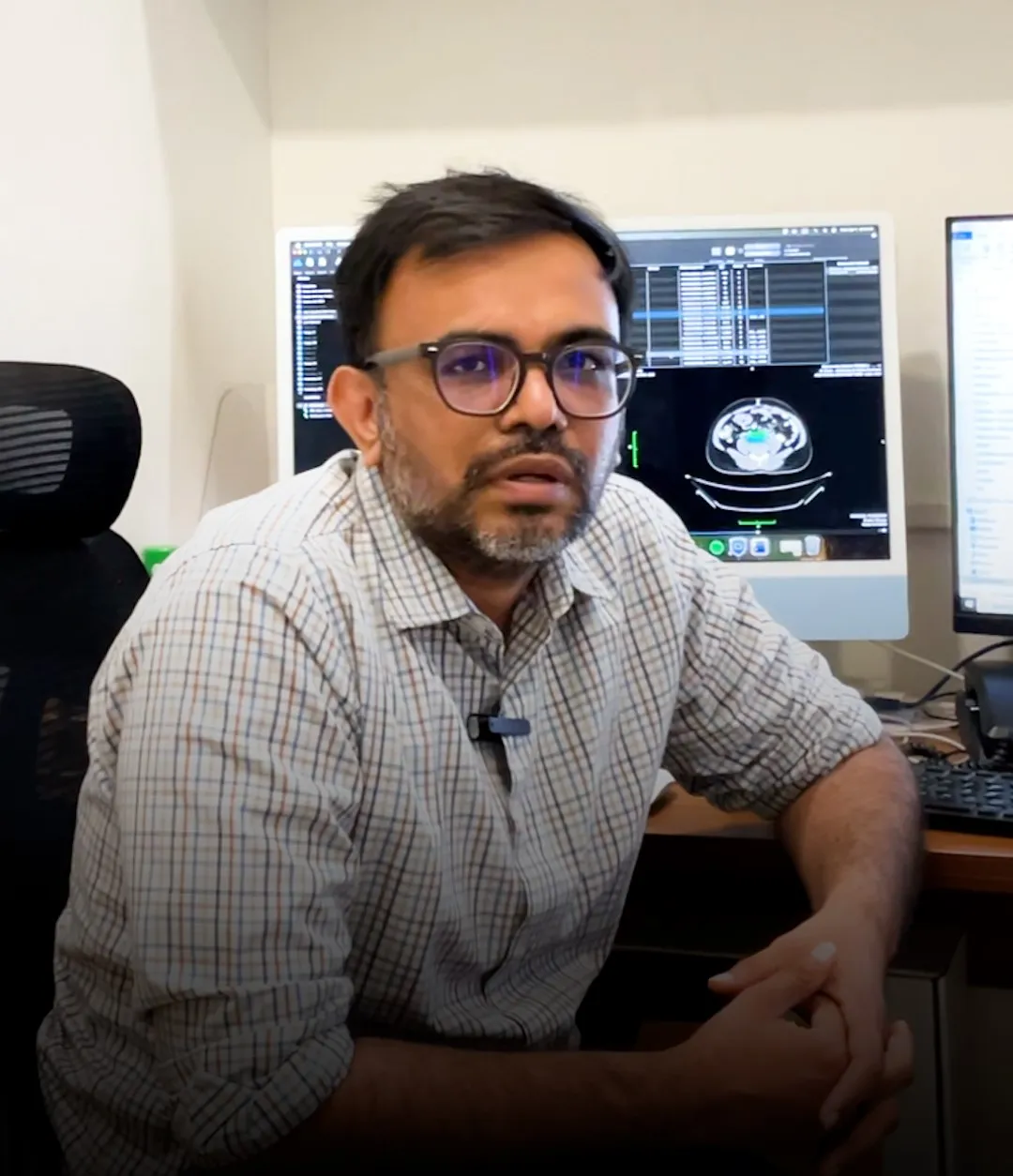
Dr. Tapan Patel
Radiologist, Co-founder of Radsquare Diagnostics
PlusRadiology has transformed how we handle our reporting. The integrated Word add-in makes radiology reporting incredibly fast and accurate. It's a comprehensive platform that easily keeps track of all patient imaging data and analytics in one secure place. Read more

Dr. Jeet Modi
Consultant Radiologist
A complete management package for modern radiology. It seamlessly organizes our imaging center workflows, from appointment scheduling to billing. The platform is incredibly robust and integrates perfectly with our existing hospital systems, reducing turnaround time significantly. Read more

Dr. Vishakha Patel
Consultant Radiologist, Radsquare Imaging Center
See how PlusRadiology fits into your daily workflow
See how you can simplify reporting, improve turnaround time, and manage everything from one platform.
Request a Demo

FAQs
01.How does the Word add-in improve radiology reporting?
Word add-in improves radiology reporting by standardizing report creation, accelerating report generation, enhancing report structuring, reducing human errors, strengthening collaboration, and simplifying template management.
02.Can radiologists customize templates easily?
Yes, definitely. Radiologists can tailor the built-in templates provided by the Word add-in according to their requirements. Unlike some reporting editor which allows very minimal customization flexibility.
03.Does the add-in support collaborative reporting workflows?
Yes. The add-in allows the reports and approved pre-defined templates to be stored centrally so that radiologists working from a distance can also access the latest reports and templates.
04.Is patient data secure within the add-in?
Add-in allows a secure storage platform for reports involving confidential patient data by ensuring limited accessibility, continuous audit tracking, and strict adherence to security standards.
05.Can the solution scale for multi-location imaging centers?
As the imaging centre expands, maintaining consistency in reporting becomes difficult. But through an add-in, this challenge can be overcome as it provides centralized template management, shared access to reports, and standardized reporting workflows.